
🟢 Greenscreen Clothing Studio V2 👕📸🚗
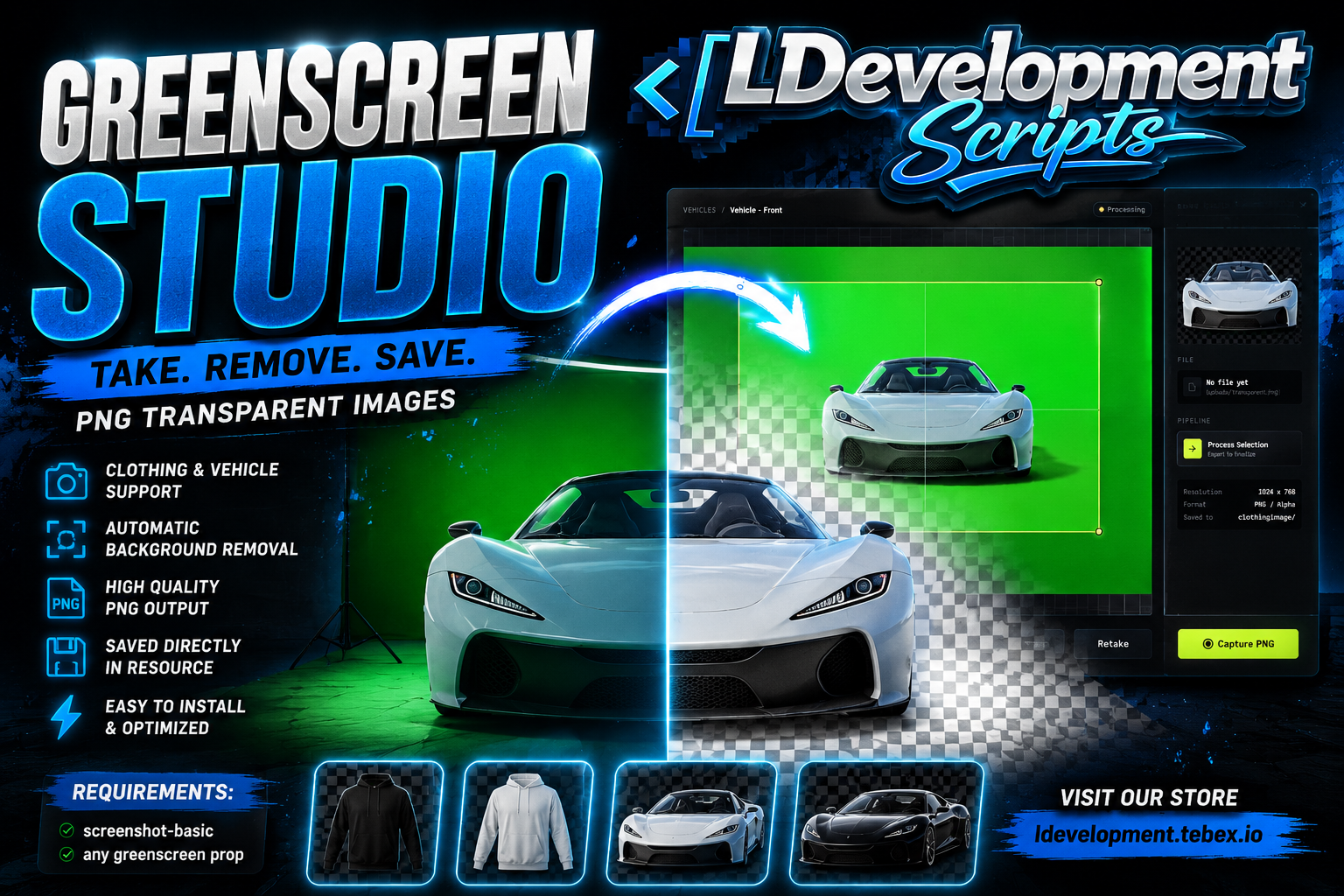
Create clean transparent PNG images of clothing, accessories, jewelry, and now vehicles directly in-game with a fast and simple studio workflow. ✨
This resource is made for servers, developers, vehicle creators, and clothing creators who want to capture high quality previews without manually editing every image in external software. 💻🎨
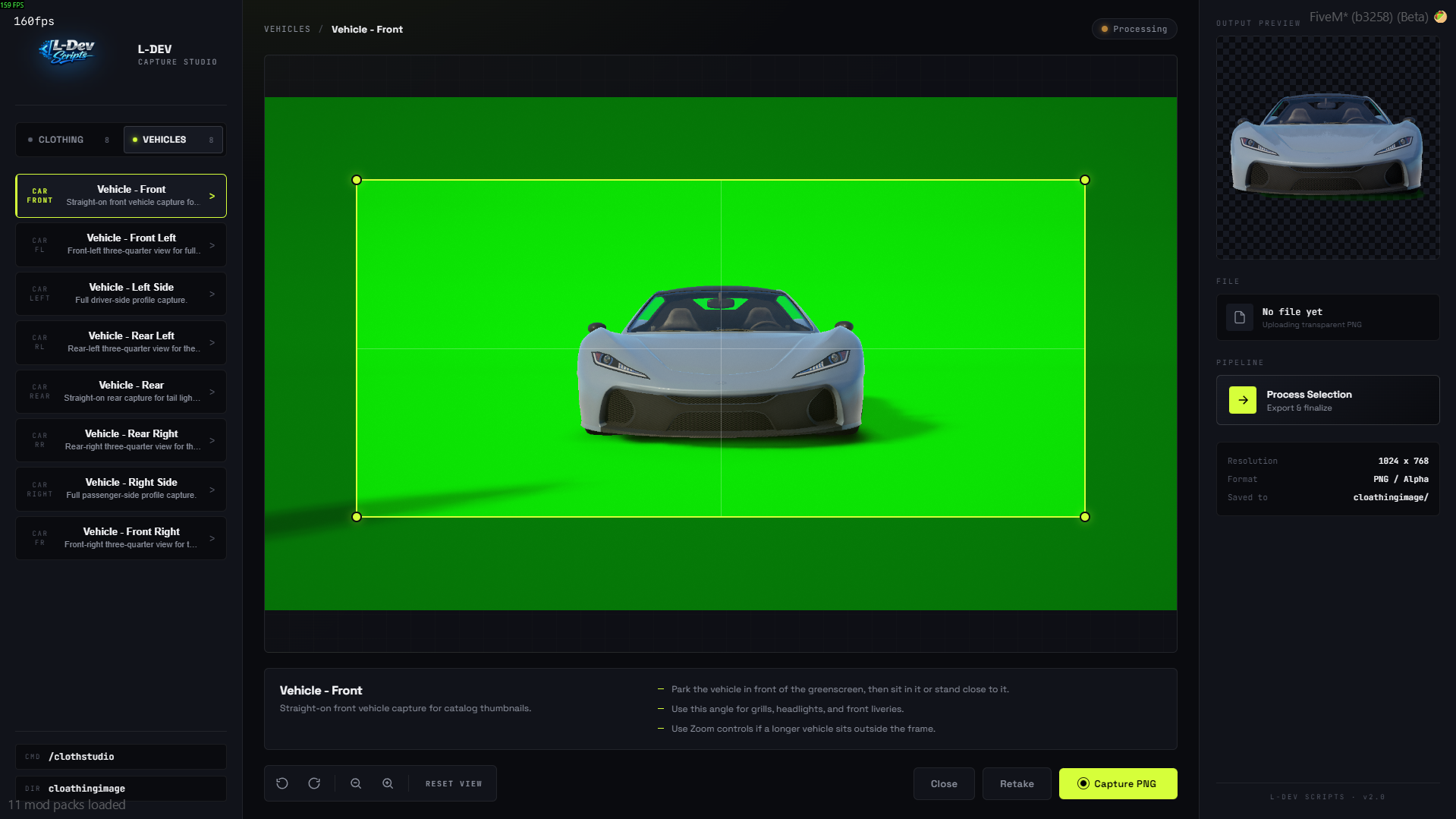
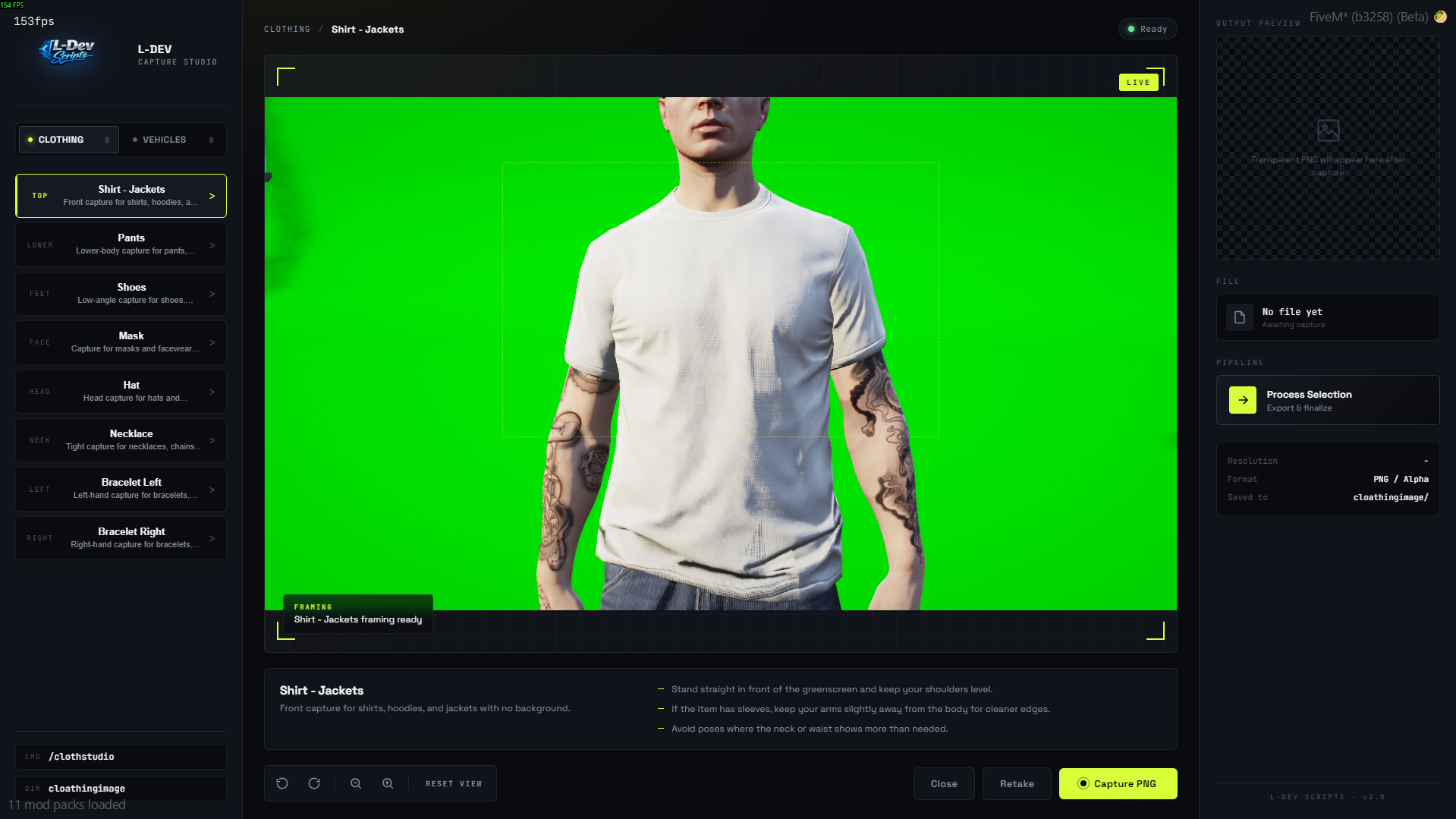
With the brand new V2 redesign, the studio now features an improved modern interface, smoother workflow, and support for vehicle showcase screenshots. 💎⚡
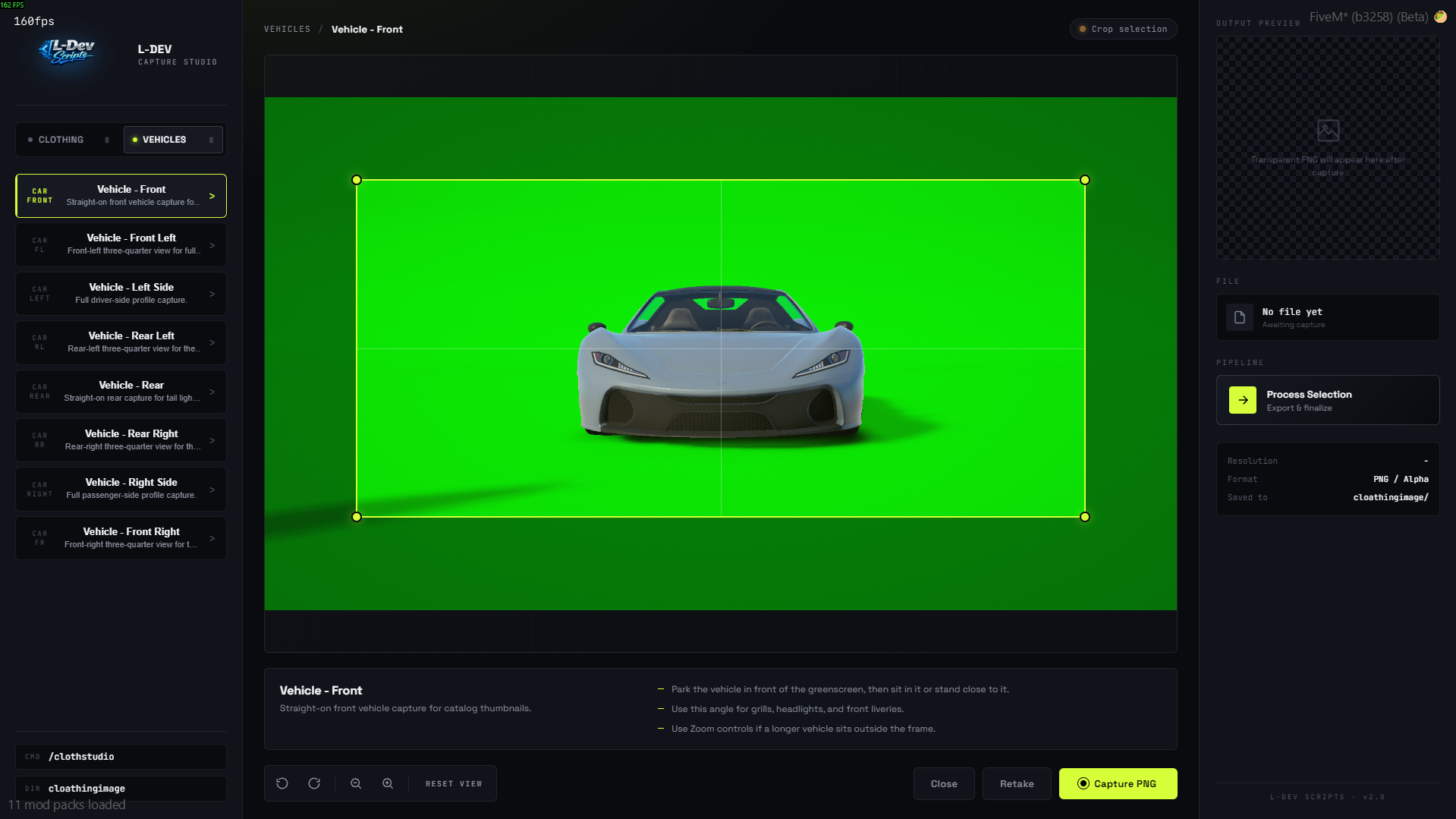
Open the studio, choose a category, position the camera, capture the item or vehicle, adjust the crop, and export the final transparent PNG directly to your output folder. 📂🔥
━━━━━━━━━━━━━━━━━━━━━━
🎥 VIDEO PREVIEW
▶️ CLICK BELOW TO WATCH THE FULL V2 SHOWCASE
━━━━━━━━━━━━━━━━━━━━━━
🌟 Features
✅ In-game greenscreen clothing capture
✅ Vehicle screenshot support 🚗📸
✅ Brand new V2 modern UI design 💎
✅ Transparent PNG export 🖼️
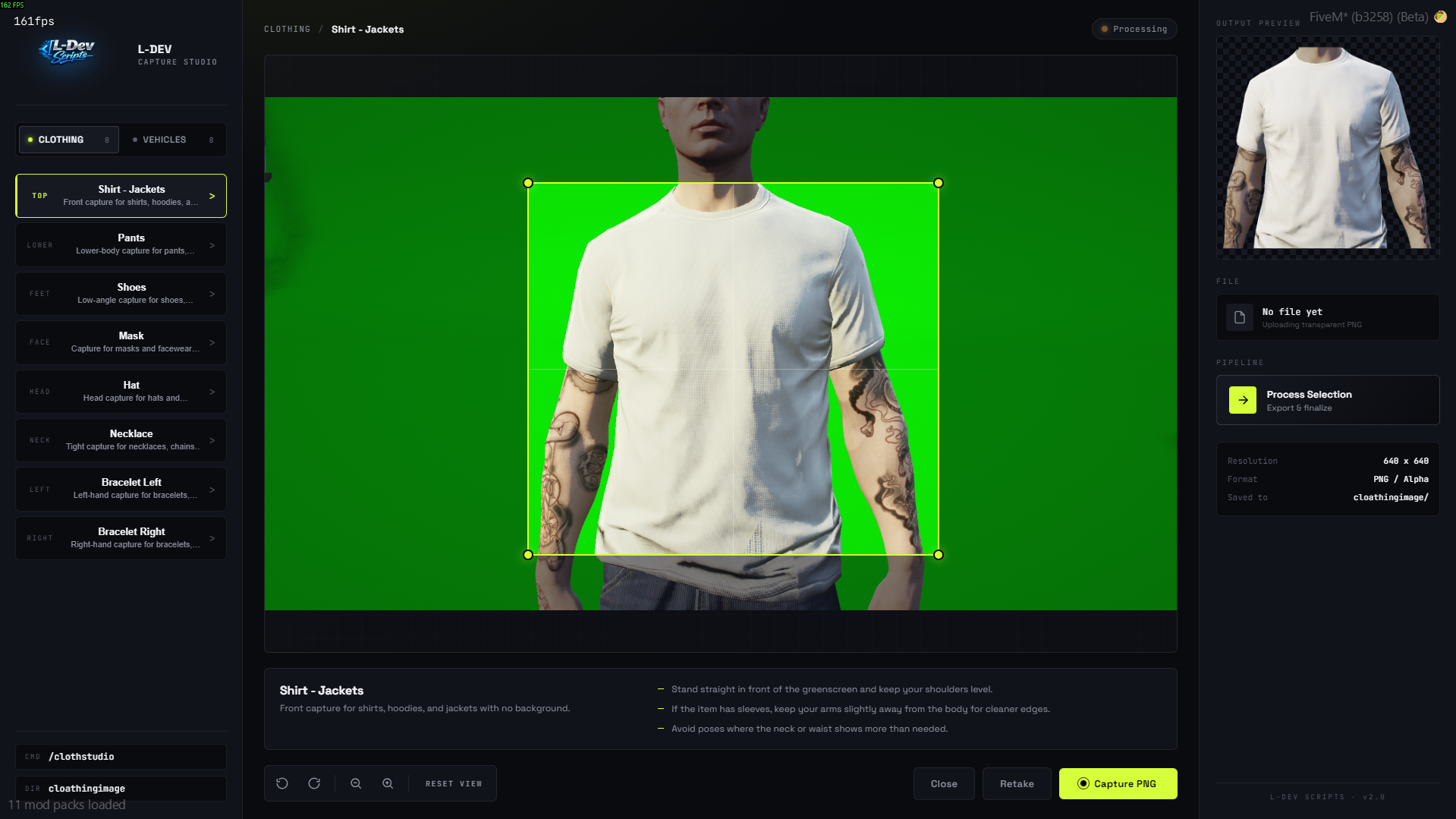
✅ Category presets for shirts, pants, shoes, hats, masks, necklaces, bracelets, and vehicles 👕👖👟🎩😷📿🚗
✅ Manual crop adjustment before final export ✂️
✅ Character preview inside the studio UI 👤
✅ Rotation and zoom controls 🔄🔍
✅ Automatic file naming (img.png, img1.png, img2.png, etc.) 📁
✅ Direct export to local resource folder 📤
✅ Escrow-ready structure 🔒
✅ Lightweight workflow for showcase creation ⚡
📦 Included Presets
👕 Shirt
👖 Pants
👟 Shoes
😷 Mask
🎩 Hat
📿 Necklace
💍 Bracelet Left
💍 Bracelet Right
🚗 Vehicle
⚙️ How It Works
1️⃣ Open the studio with the command
2️⃣ Select the item or vehicle category
3️⃣ Adjust rotation and zoom
4️⃣ Capture the screenshot 📸
5️⃣ Move and resize the crop frame ✂️
6️⃣ Process the image 🛠️
7️⃣ Save the transparent PNG automatically 💾
🎯 Perfect For
👕 Clothing packs
🚗 Vehicle previews
🛒 Tebex item previews
🏷️ Custom fashion brands
🌐 Server showcase pages
💎 Accessory and jewelry presentation
⚡ Fast catalog image generation
🔗 Dependencies
📌 screenshot-basic
📝 Notes
⚠️ NUI files remain open as required by FiveM asset escrow limitations
🔒 Core client/server logic can be protected with escrow
🎯 Best results are achieved with a clean greenscreen setup and proper positioning
📥 Installation
1️⃣ Drag the resource into your server resources folder
2️⃣ Ensure screenshot-basic
3️⃣ Ensure this resource
4️⃣ Configure settings in config.lua ⚙️
💬 Support
If you need help with setup or usage, support is available after purchase. 🤝